Statement Analyzer
desktop app for bank statement analysis
Role
Fullstack — app design, statement import and parsing, analytics, React/Electron UI and tests.
Year
2026
Stack
Electron, React 19, TypeScript, Tailwind CSS, Recharts, TanStack Table, Papa Parse, Jest
Project
Statement Analyzer is a desktop app for macOS, Windows and Linux. It turns CSV statements from ČSOB internet banking, or any other CSV, into a clear dashboard of spending and income. All data stays on the local machine and nothing is sent anywhere.
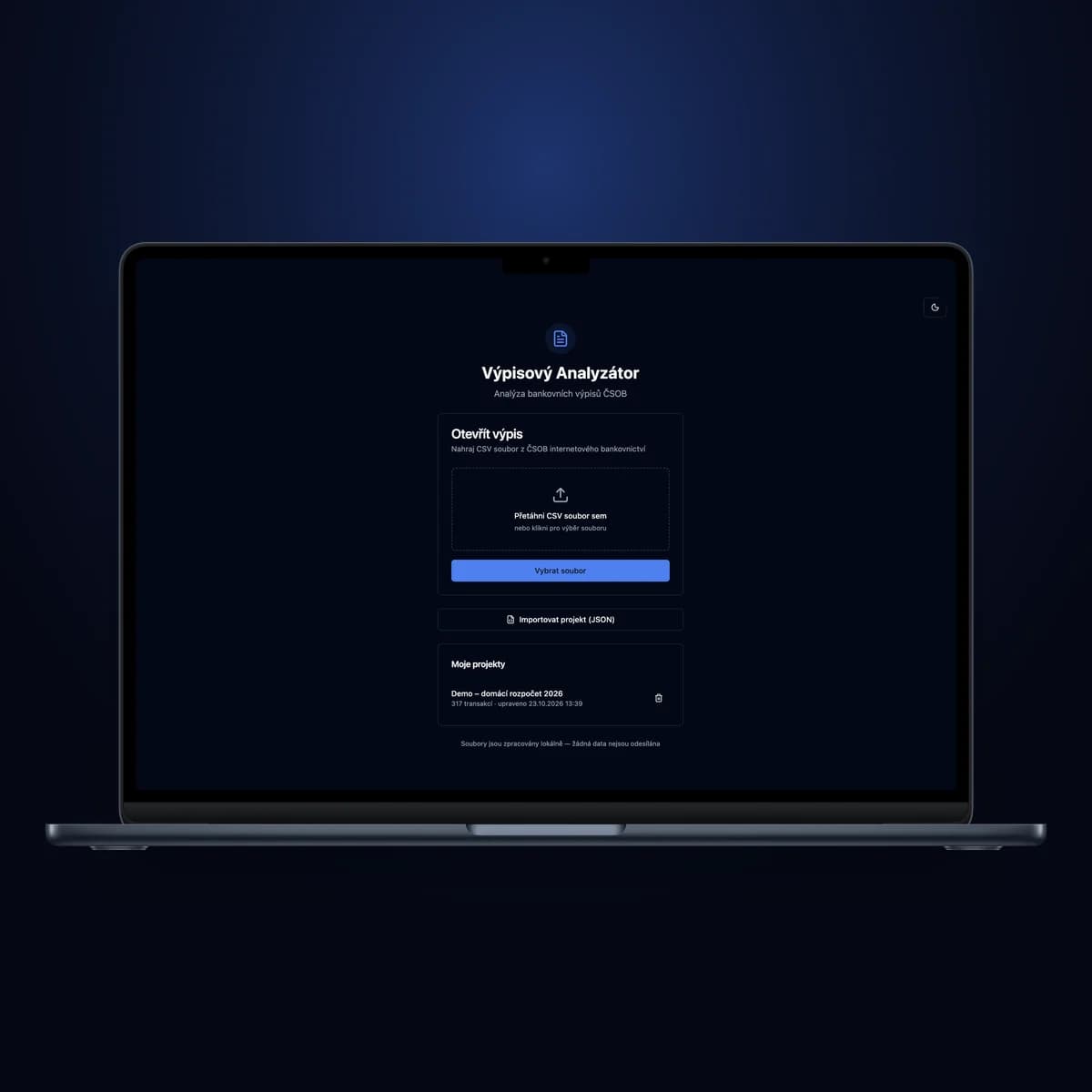
I built both the import and the parsing. Transactions are deduplicated so overlapping periods are not counted twice, and further statements can be added to the same project. Any CSV loads through column mapping: the app guesses the delimiter and columns, you set the date format, and the mapping is remembered for the same header.
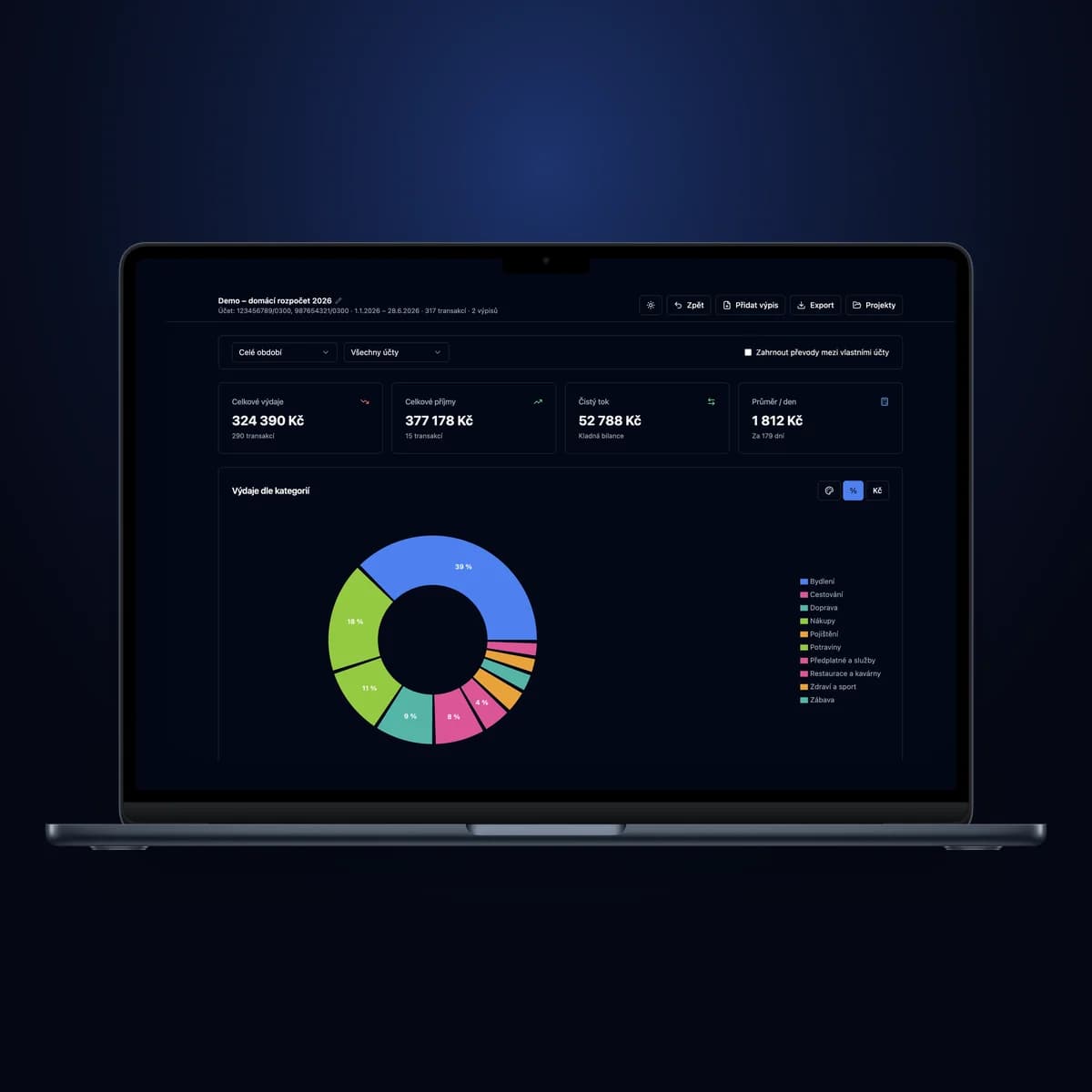
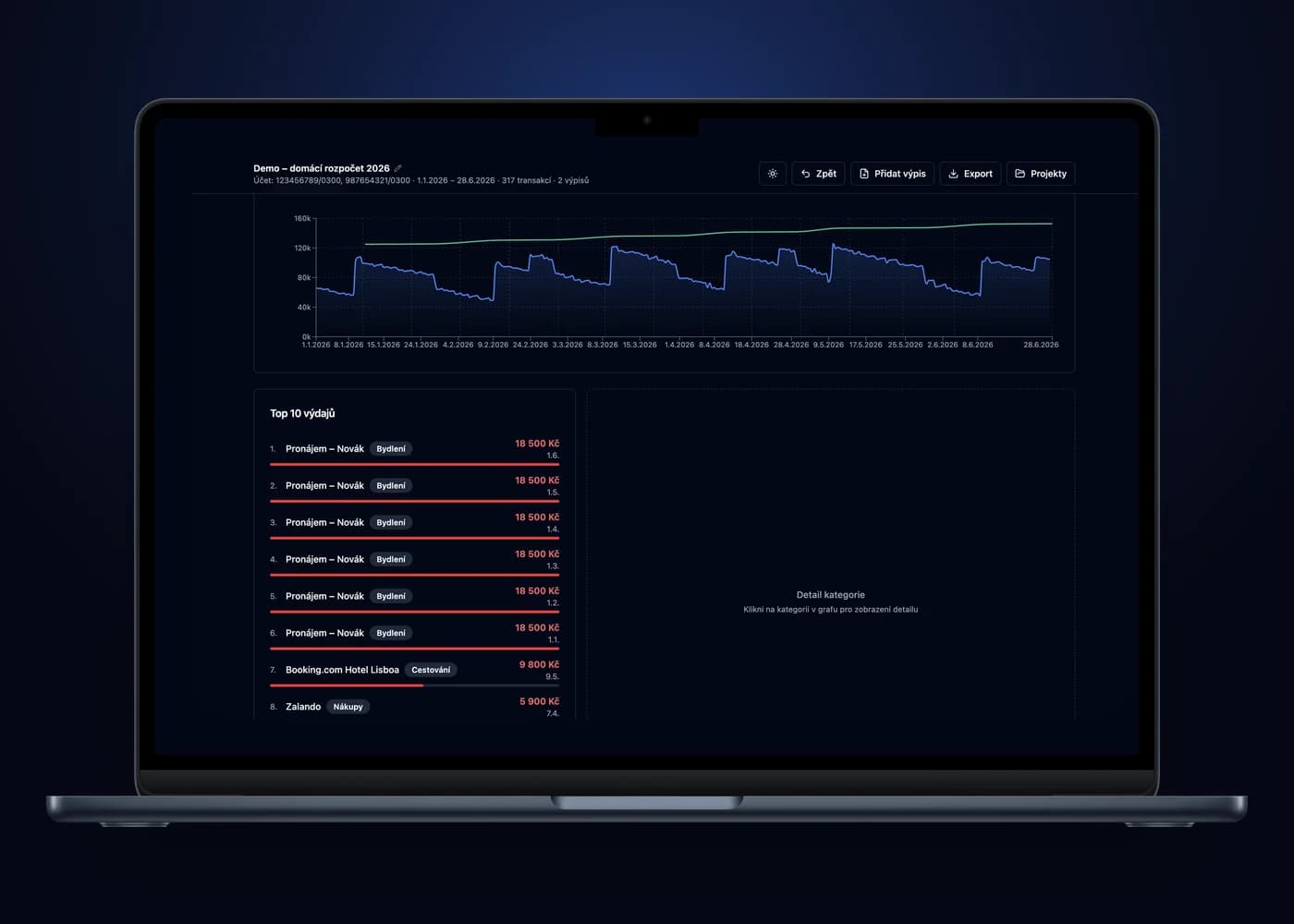
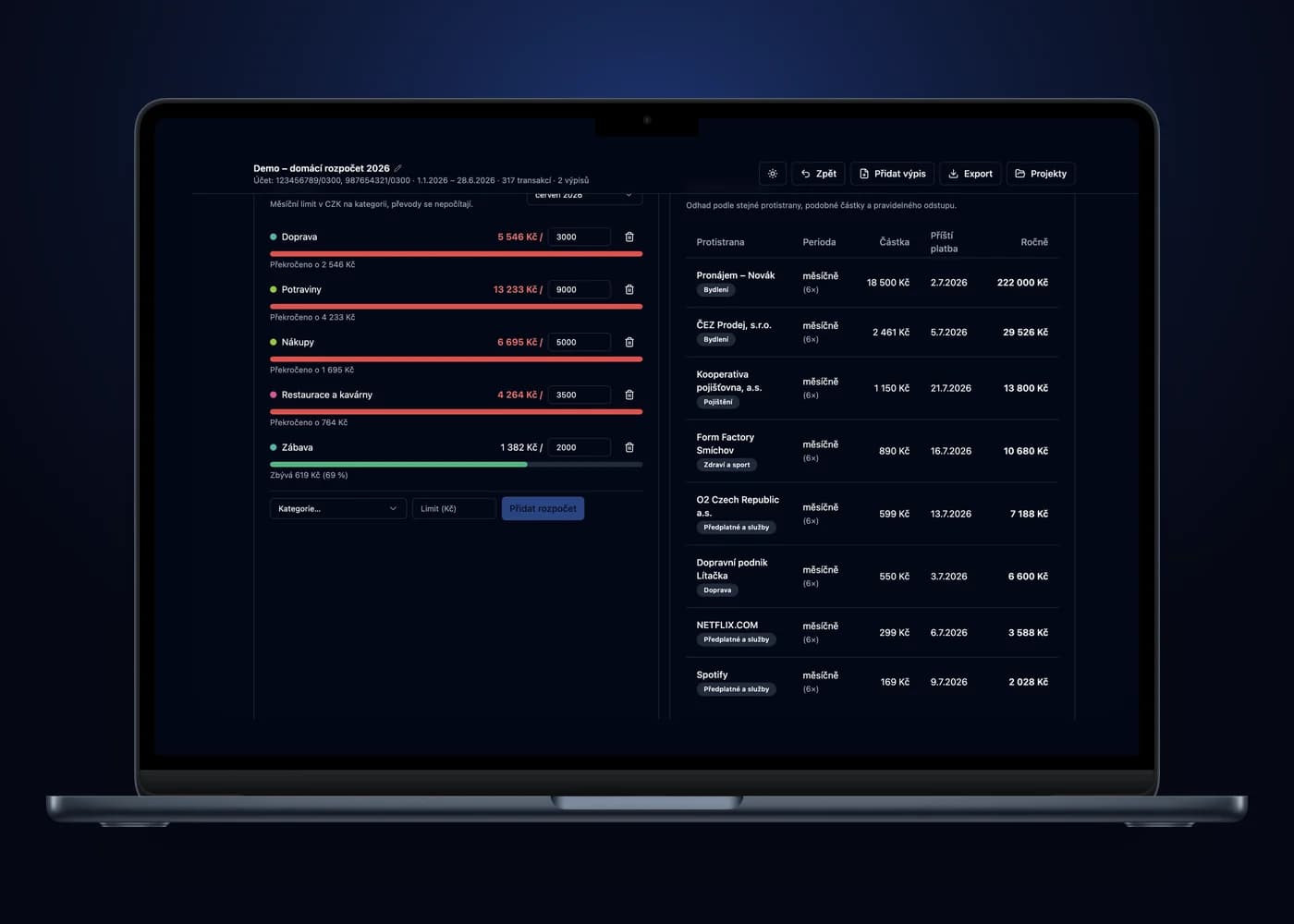
The dashboard shows spending by category, a daily overview, balance history, the top 10 expenses and month-to-month comparison. On top of that come monthly budgets per category, detection of recurring payments with the estimated next charge and yearly cost, and a change history where every edit can be reverted.
Projects are saved in the app folder and can be exported to JSON and CSV. The app has light and dark themes and demo data, and the analytics are covered by Jest tests. Need a custom desktop tool? Write to me.
Technology
The app runs in Electron with React 19 and TypeScript, styled with Tailwind CSS. Charts are drawn by Recharts, tables handled by TanStack Table and CSV is read by Papa Parse. The analytics are covered by Jest tests. Because data stays local, the app needs no server.
What I built
CSV import from ČSOB, including adding further statements to the same project; transactions are deduplicated so overlapping periods are not counted twice.
Import of any CSV through column mapping — the app guesses the delimiter and columns, you set the date format, and the mapping is remembered for the same header.
A dashboard with spending by category, a daily overview, balance history, the top 10 expenses and month-to-month comparison; filters by period and account, optionally including transfers between own accounts.
Monthly budgets per category with a usage indicator, and automatic detection of recurring payments with the estimated next charge and yearly cost.
Manual re-categorisation, in bulk too, and a change history that lets you revert any edit.
Projects are saved in the app's data folder, can be exported to JSON and CSV and imported again; light and dark themes and sample demo data are included.
The analytics (recurring-payment detection, month comparison, budgets, filters, CSV parsing) are covered by Jest tests.
 Let's talk about your project!